You haven't signed in yet, you can have a better experience after signing in
*Please complete the payment within {{receiveCouponInfo.expire_at}}Previous use*
You haven't signed in yet, you can have a better experience after signing in



Activity Rules
1、Activity time:{{ info.groupon.start_at }} ~ {{ info.groupon.end_at }}。
1、Activity time:cease when sold out。
2、Validity period of the Group Buying:{{ info.groupon.expire_days * 24 }} hours。
3、Number of Group Buying:{{ info.groupon.need_count }}x。
Please Pay Attention
1、Teamwork process: Join/initiate a Group Buying and make a successful payment - Within the validity period, the number of team members meets the activity requirements - Group Buying succeeded!
2、If the number of participants cannot be met within the valid period, the group will fail, and the paid amount will be refunded in the original way.
3、The number of people required and the time of the event may vary among different products. Please pay attention to the rules of the event.
How TextSeek Works
Efficient and precise search
Full text search for each Chinese and English character
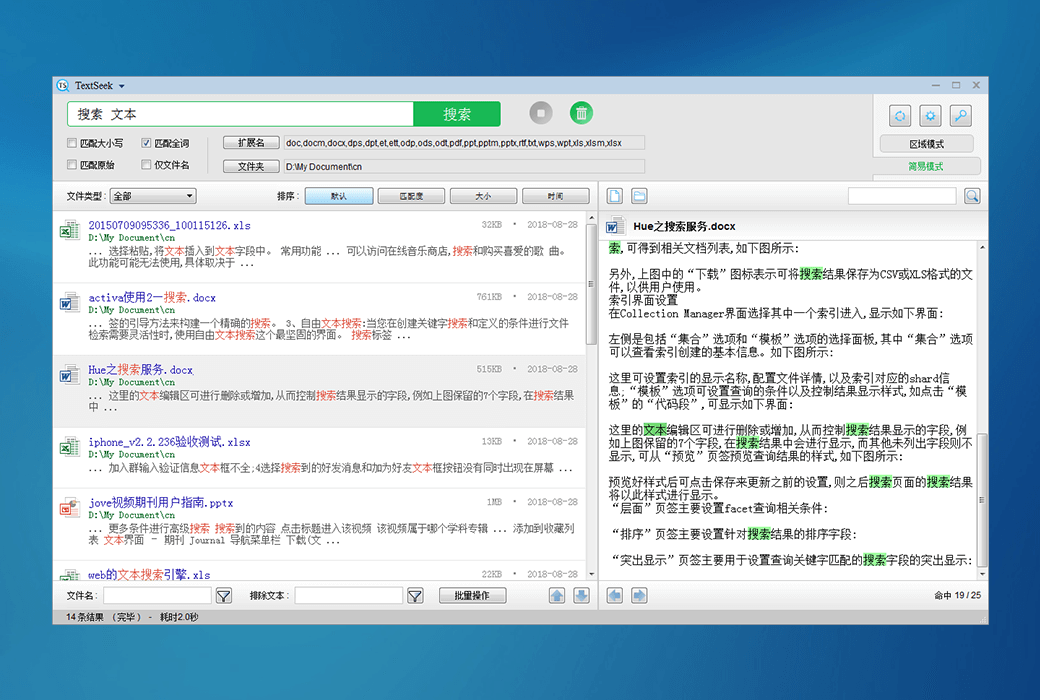
When Windows' default search takes a long time to search and ultimately tells you that it was not found, or even some files are not found right under your nose, it often makes people very angry. By introducing advanced technology, TextSeek can solve such problems. It uses full text scanning technology to find all the text (not lost due to segmentation errors) and displays search results like Baidu. The software has good support for Chinese, and the interface supports 14 languages including Chinese, English, Japanese, Korean, French, German, Arabic, etc.
Support for various documents
Searchable file names and specific content
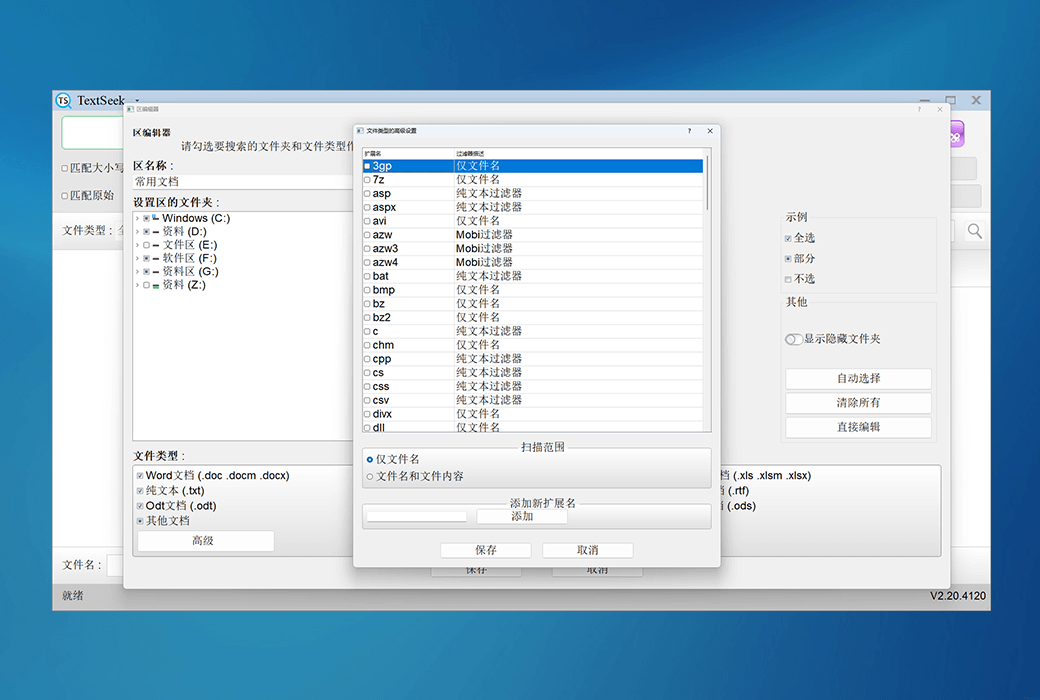
TextSeek supports multiple document formats, including Word, Excel, Powerpoint, PDF, WPS, OFD, and more. All format parsing is integrated into TextSeek, without the need to install additional packages. Unlike other desktop search tools, the file name of the document and all text content are integrated into the search engine to avoid text omissions.
Ultimate search experience
Customize search scope
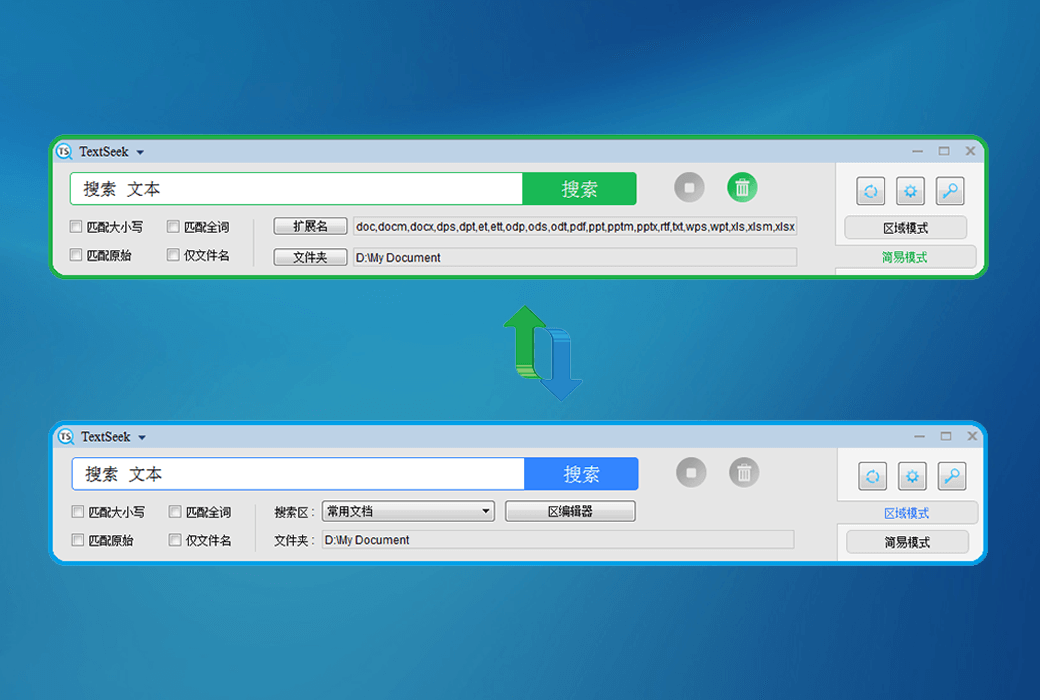
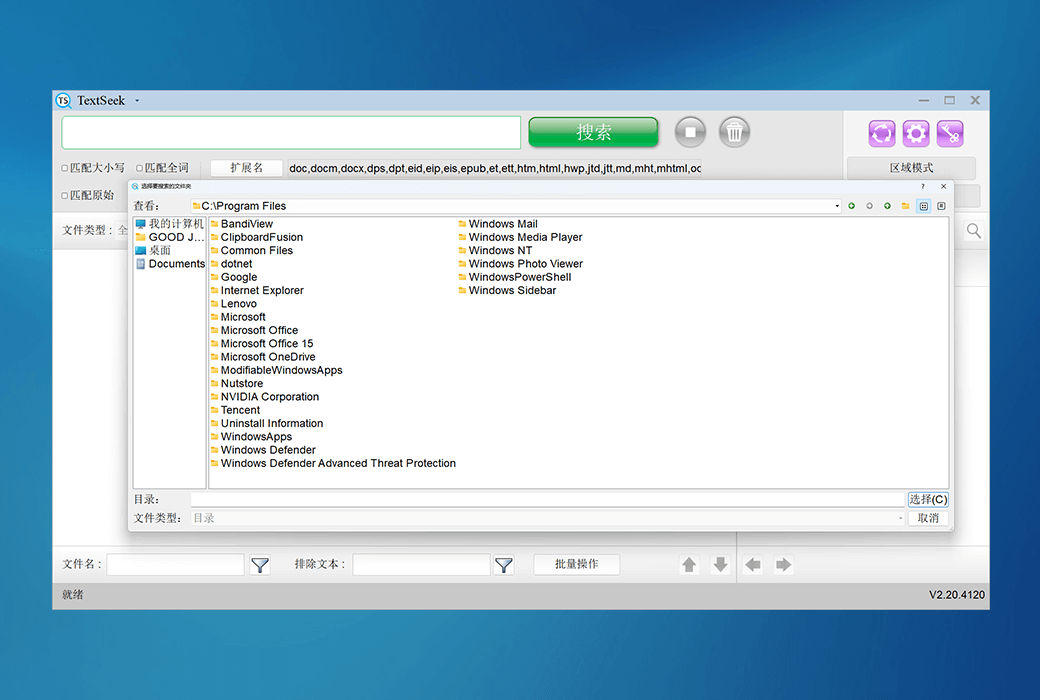
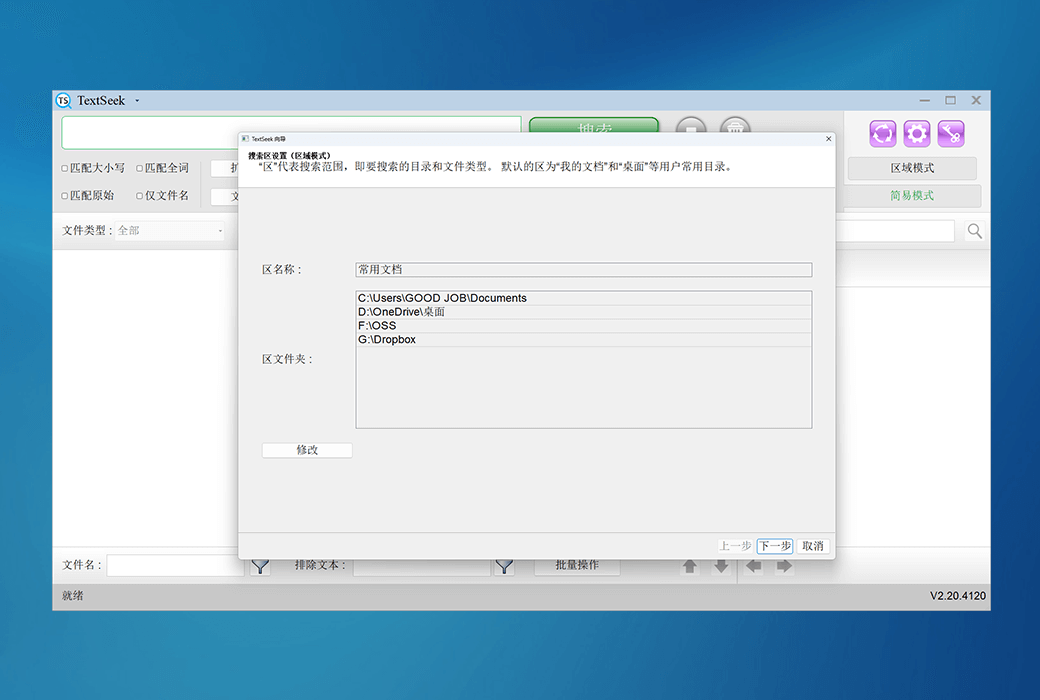
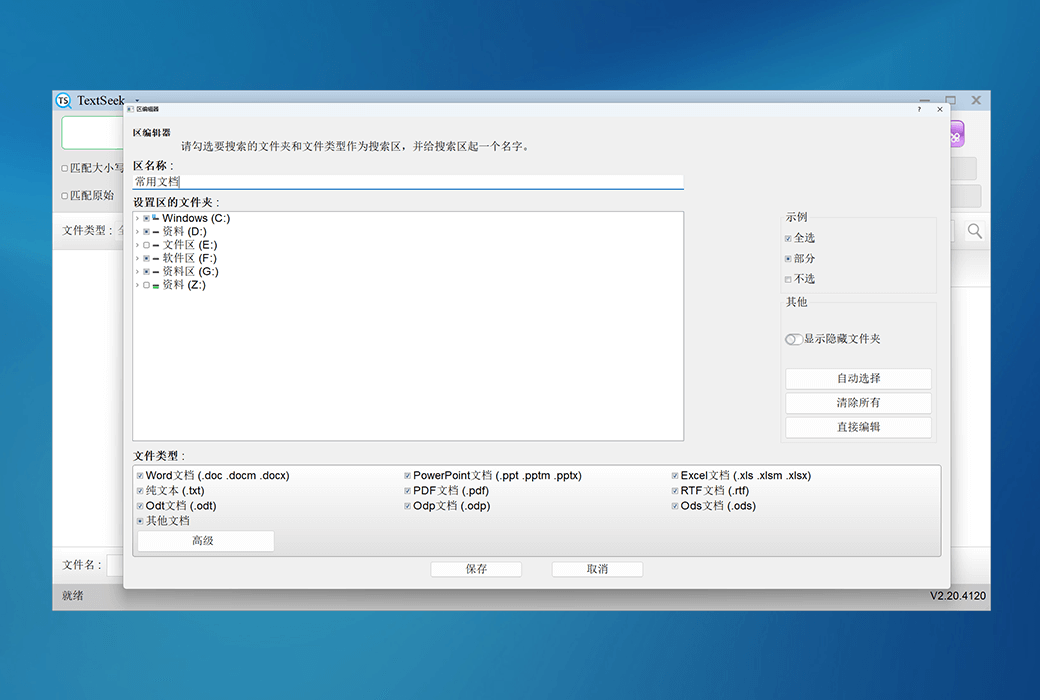
In TextSeek, you can specify directories to be indexed to speed up searches (in regional mode), or search directly without indexes (in simple mode). In addition, TextSeek provides four sorting methods and multiple filters to improve search accuracy, and also supports quick browsing of search results through shortcuts. Its functions also include regular expression search, keyword highlighted summaries, and previews, which are beneficial for users to more efficiently locate the desired text.
Official Website:https://www.textseek.net/
Download Center:https://textseek.apsgo.cn
Delivery Time: Automatic delivery within 24 hours
Operating Platforms: Windows, macOS, UOS
Interface Language: Supports Chinese interface display, with multiple languages available.
Update Instructions: Subscription licenses are used and updated within the validity period, while lifetime licenses support minor version updates (v2.x).
Trial Before Purchase: 30-day free trial.
How to Receive the Product: After purchase, activation information will be sent to the email used for ordering. You can also view the corresponding product activation code in your personal center, under "My Orders".
Number of Devices: Personal license: Can be installed on 2 computers. Commercial license: 1 computer.
Changing Computers: Uninstall on the original computer and activate on the new one.
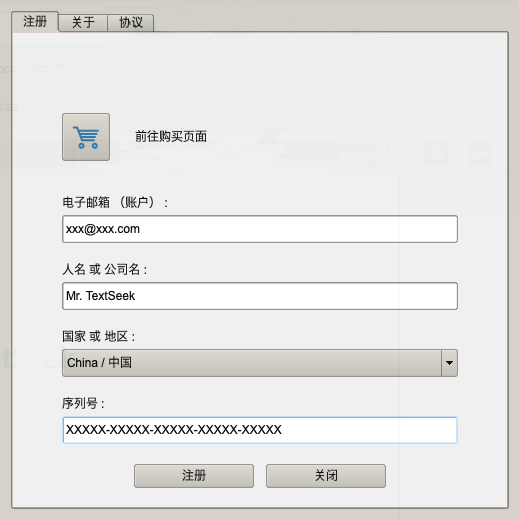
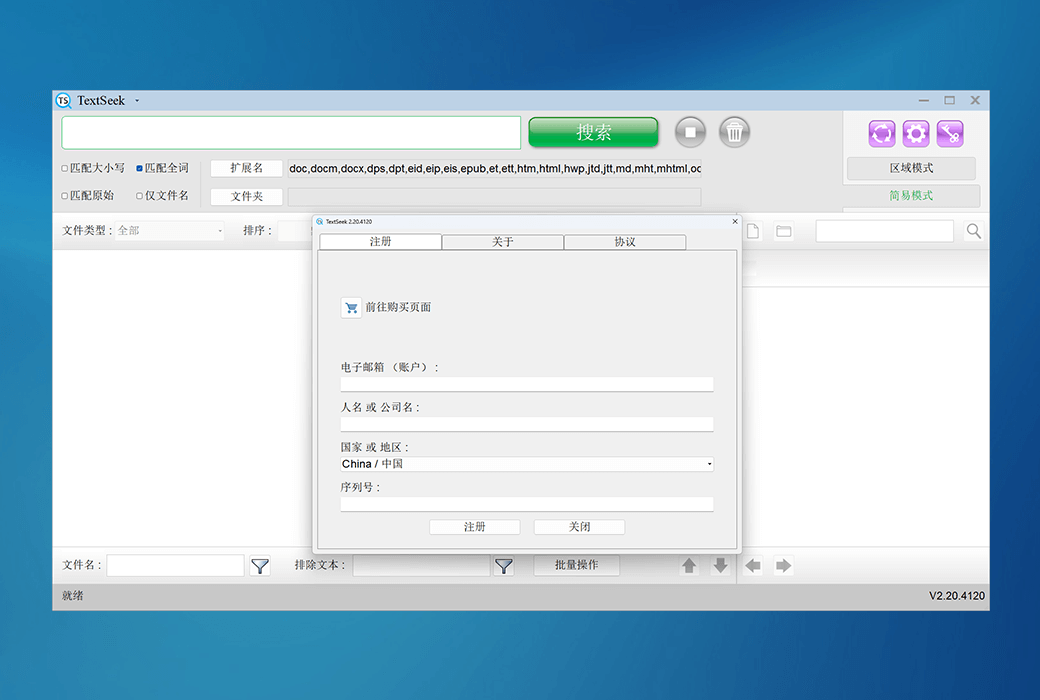
Activation Guide: Run the software > Click the "Key" icon in the upper right corner > Enter the serial number to activate.
Special Instructions: To be added.
References:https://www.textseek.net/cn/help.htm

Any question

Only the installation version is available on Mac systems. Choose the correct installation file based on your system version, and select OS X ≥ 10.15 for Catalina versions and later. Run the installation file, click on it one by one, and TextCeek will be installed on your computer.
Click on the TextCeek icon in the "Startup Console" or open the TextCeek icon in the "Applications" directory through Finder to start.
The specific steps for installation are as follows:
1. Launch the installation package and click 'Continue'.

2. Confirm the name of the installed software and click 'Install'.
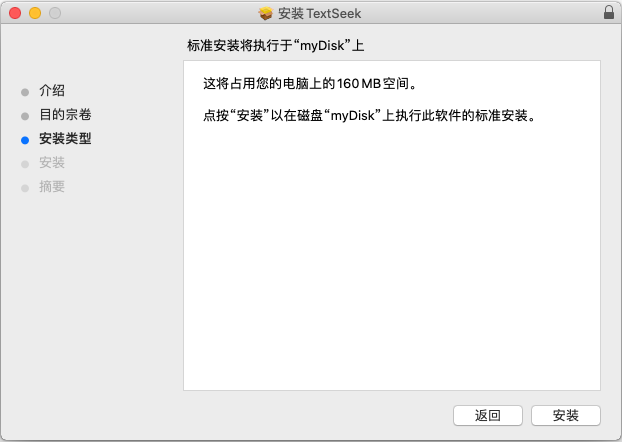
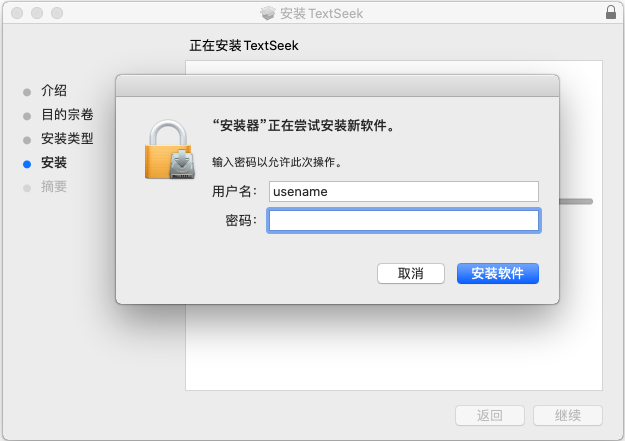
3. Enter the password for the user account and click 'Install Software'.
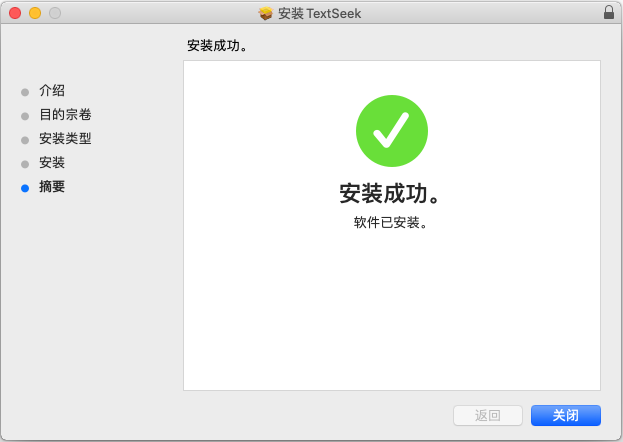
4. After installation, click "Close" and start TextCeek through the "Startup Console".
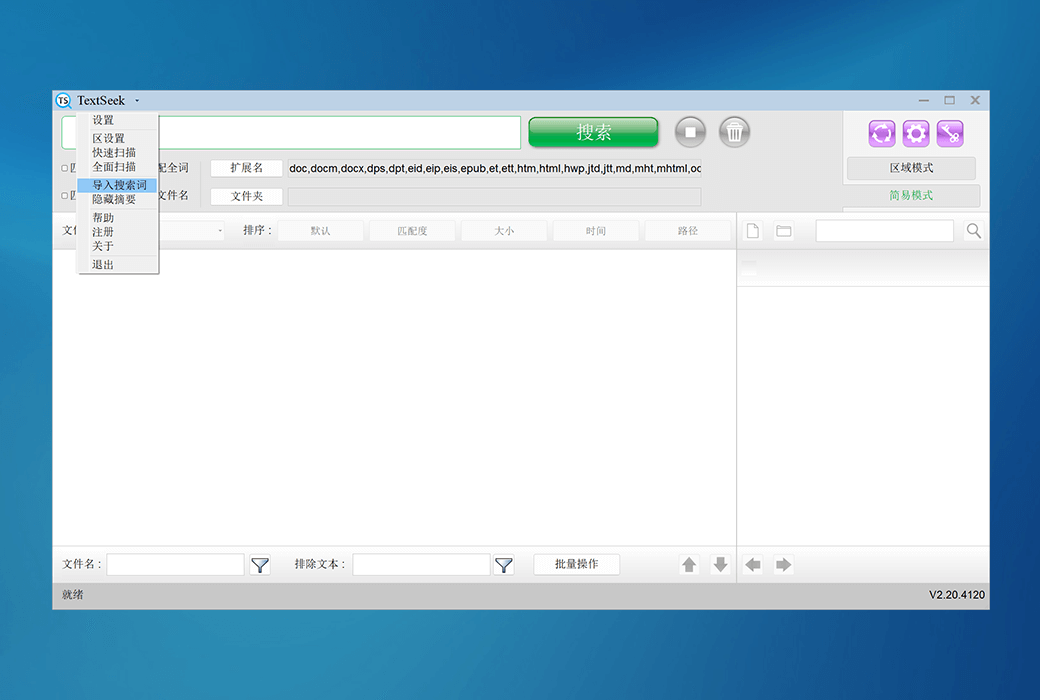
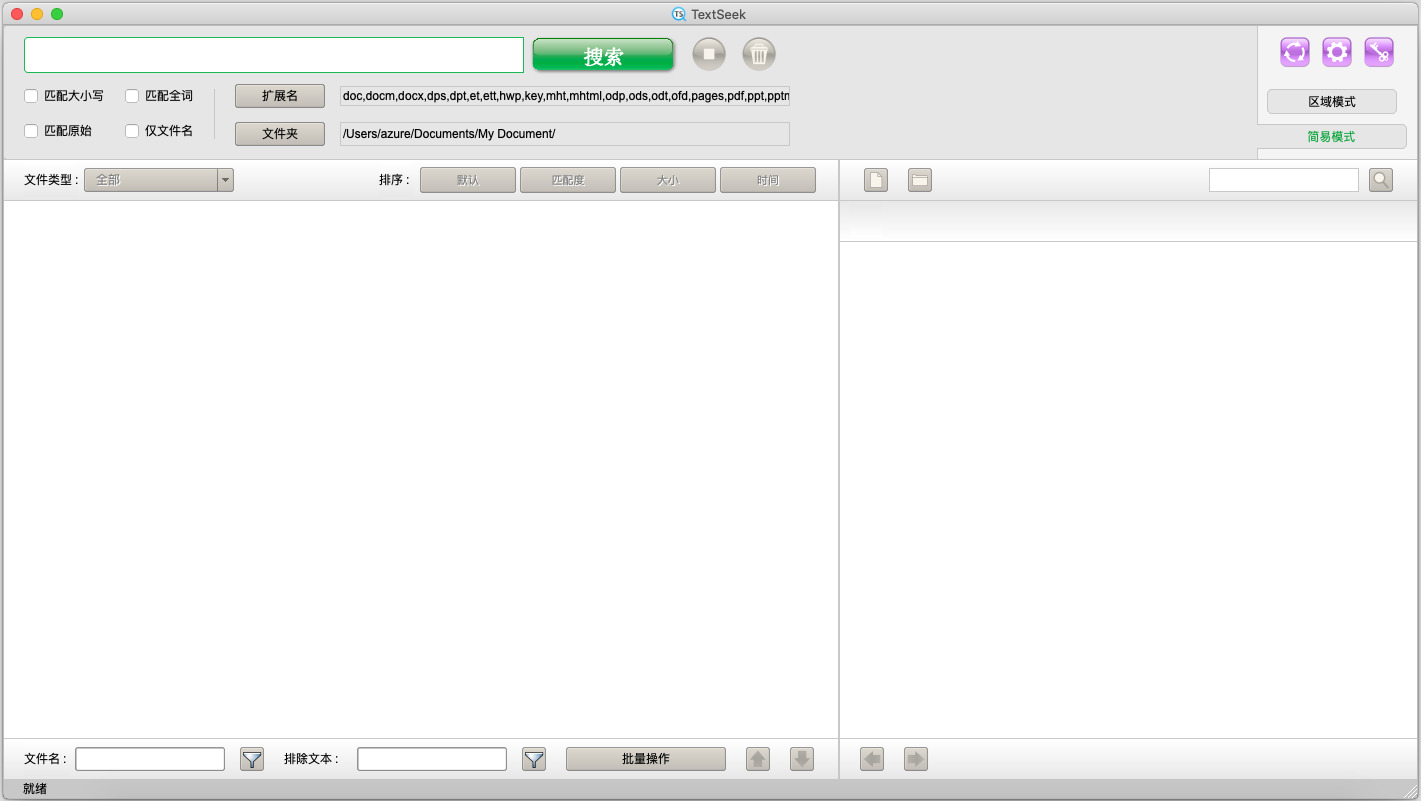
5. The main interface is displayed as follows:
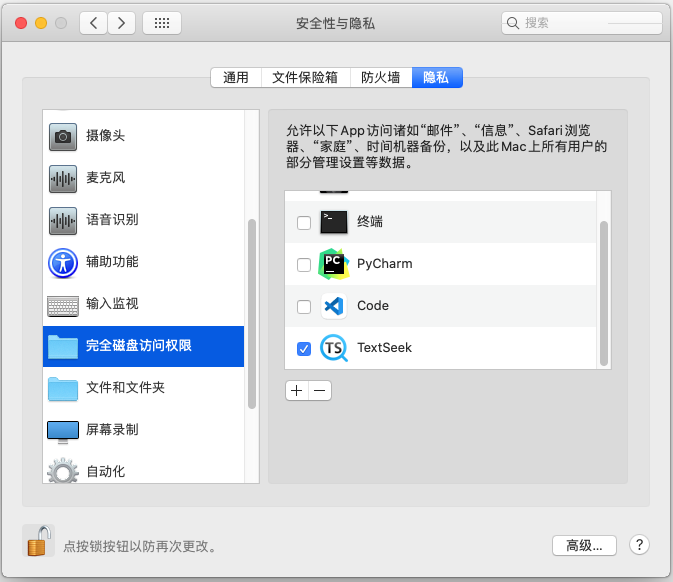
6. TextCeek requires access to the local disk in order to function. Open the systemPreference Settings ->; Security and Privacy ->; Privacy ->; Full disk access permission ->; Check the box for TextCeekIf it is not editable,Click on the bottom left cornerThe lock icon can be unlocked by entering the password.
How to register?
If you have purchased a serial number, please click on the key shaped icon in the upper right corner of the main interface. In the pop-up "Registration" window, enter your email, name/company name, country/region, and serial number in sequence, and click "Submit" to complete the registration. Please purchase the serial number on the official website, and your email will receive the serial number.